How to attach a dashboard to a device
Updated: 02/16/2023
Article #: 37
Attaching a dashboard to the device will allow you to connect the dashboard you have created on the dashboard tab of the device's page.
To learn how to make a dashboard click here.
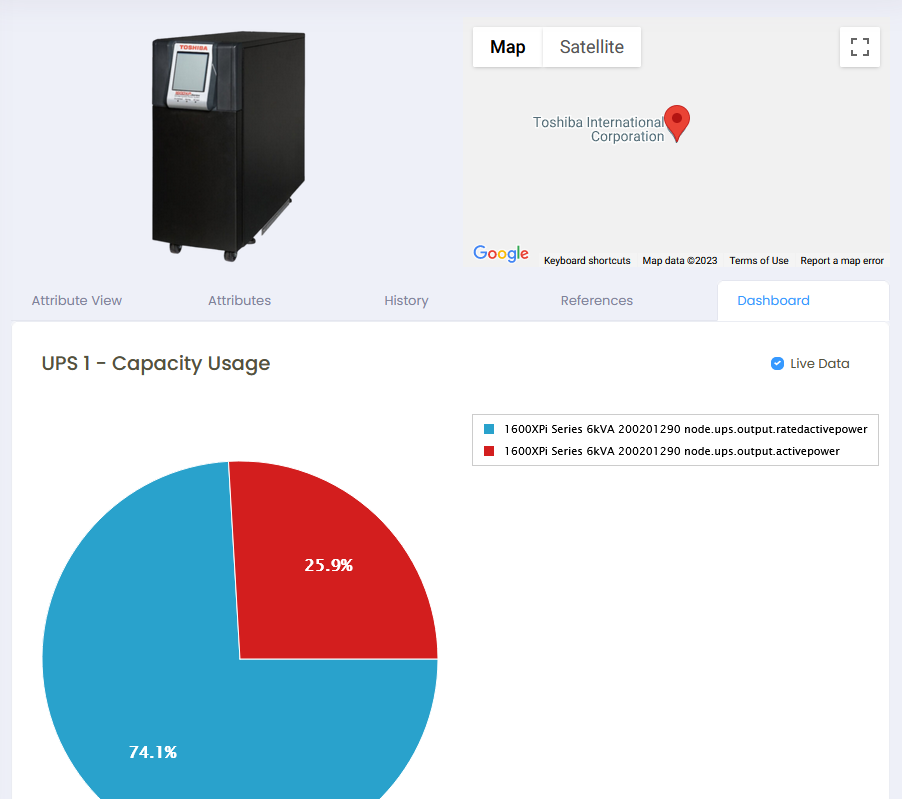
1) Go to the device’s page in Asset Manager > Devices.
2) Search your device and go to it’s page.
3) Click the Attributes tab and Add New Attribute.
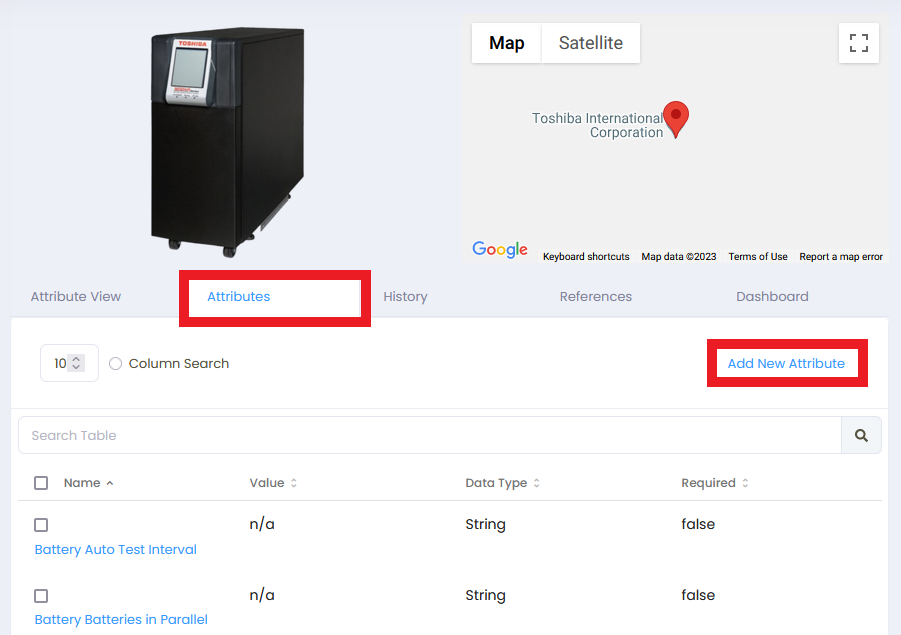
4) Select the Dashboard attribute.
5) For the Attribute value, select the dashboard you want to appear on the Dashboard tab.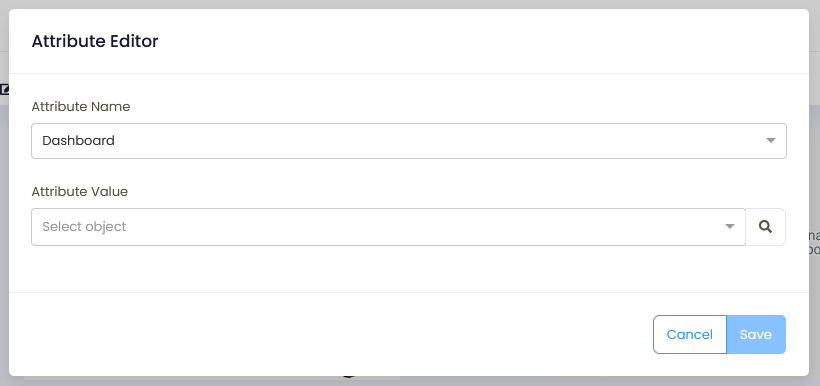
|
Rate this Topic:
|
|||
|
