How can I reset the password on the RemotEye 4?
Updated: 02/23/2023
Article #: 41
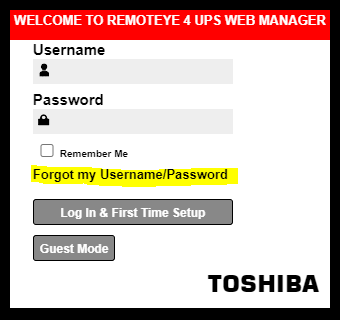
- Navigate to the RemotEye 4 web page login and click on Forgot my Username/Password
- Use the drop down option to select forgot password and select either Username or Email and enter it in the field respectively
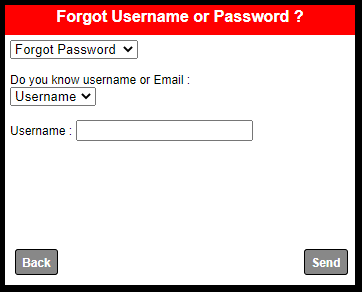
- Hit the send button. If the information is entered correctly then you should receive an email with the password.
Note: SMTP server needs to be setup and working in order for the RemotEye 4 to send emails. If SMTP server is not configured then only way to reset the password would be to factory reset it.
|
Rate this Topic:
|
|||
|
