How can I reset the password on the RemotEye ESS?
Updated: 03/01/2023
Article #: 45
- Navigate to the RemotEye ESS web page login and click on Forgot Account

- Enter the email address that is associated with the user account.
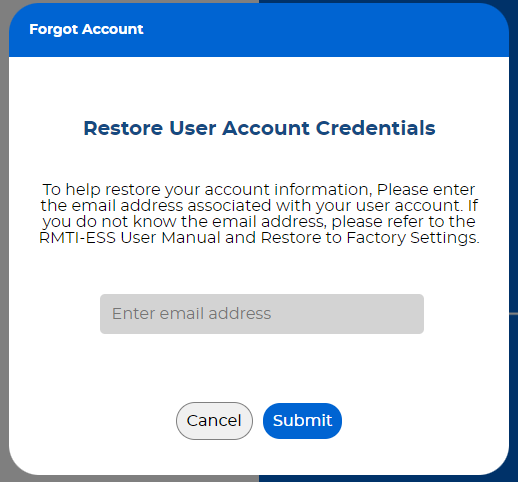
- Hit the submit button. If the information is entered correctly then you should receive an email with the account credentials.
Note: SMTP server needs to be setup and working in order for the RemotEye ESS to send emails. If SMTP server is not configured then only way to reset the password would be to factory reset it.
|
Rate this Topic:
|
|||
|
